Case Study: Technology adoption · ADDIE within an Agile loop
Learning series for ITS: Community of Practice
A flipped session series for a university ITS department. Short microlearning, hands-on practice, and 1:1 follow-up grew into a weekly community where staff and faculty keep learning from each other.
Multi-campus university, ITS (~1,000 staff and faculty)
Client
Students, staff, and faculty across campuses and online
Audience
Instructional Designer Instructional Technologist, Facilitator
My Role
Training, Academic Technology, and Communications teams
Partners
Claude Design Miro, ChatGPT, Synthesia, Canva, Adobe Express
Tools
Stakeholder interviews, gap analysis, workflow observation, department outreach
1 Evaluate · Analyze
Objectives and cross-campus distribution paths set with three partner teams
2 Align · Design
Flipped learning package for every session
3 Scaffold · Develop
7 in-person sessions on 3 campuses, 3 global online, 1:1 consults
5 Monitor · Evaluate · Iterate
Engagement, consultation requests, and participant feedback
4 Launch · Implement
How the program ran
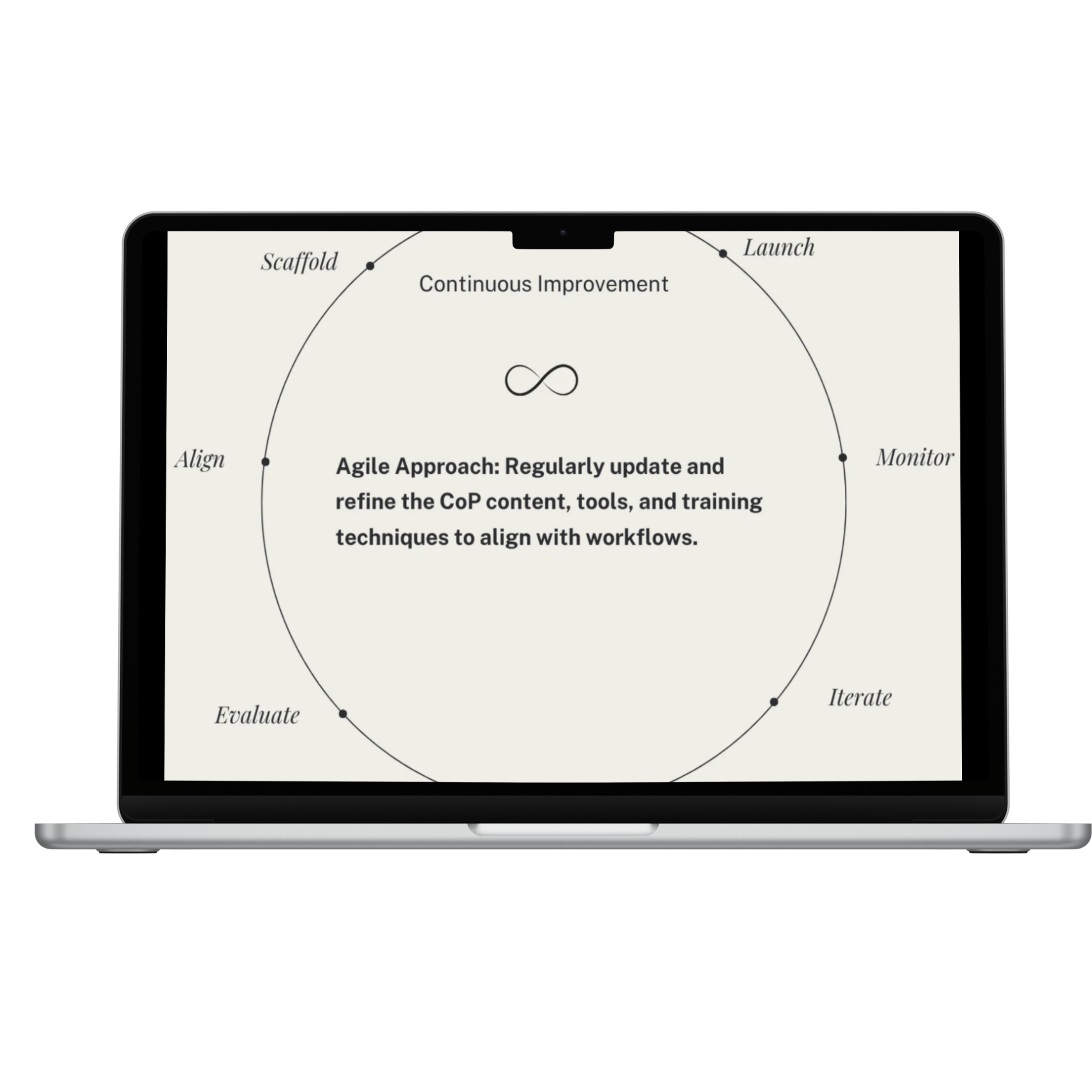
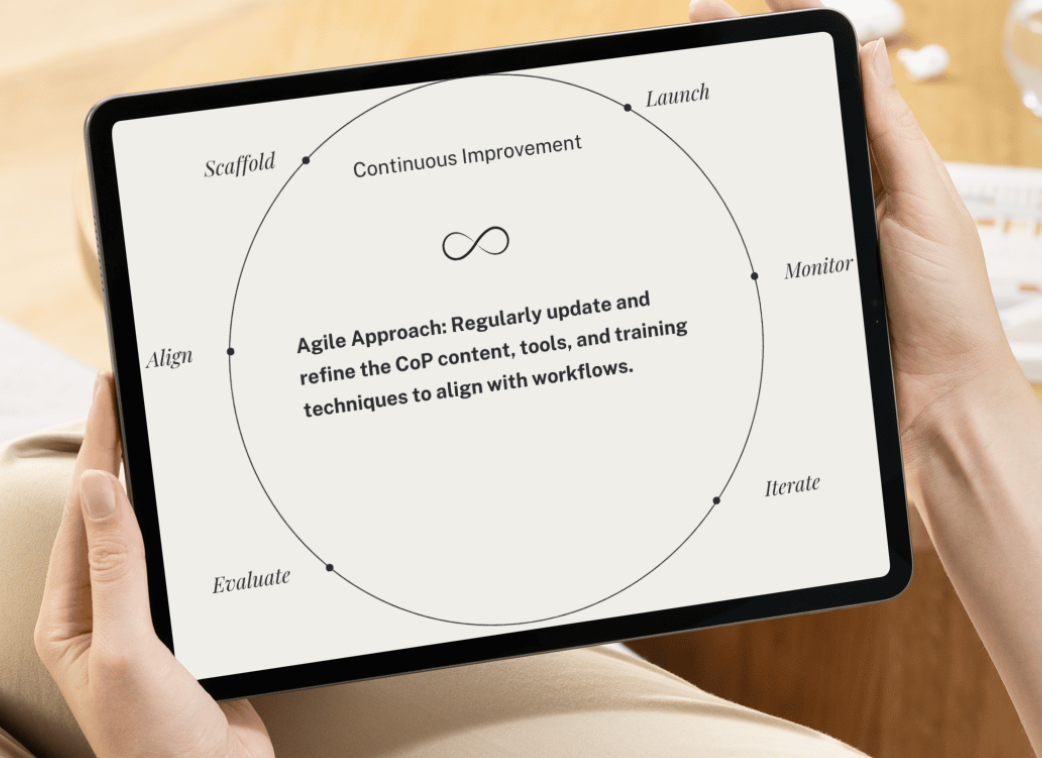
ADDIE structured the learning materials; an Agile loop let the series change as feedback and new software rollouts came in.
The challenge
ITS needed people to move files to SharePoint, use Microsoft 365 well, and book ITS consultations. Analysis showed users lacked role-specific app knowledge and had few reliable channels for learning about tools they already had.
The approach
Instead of another one-time training, we built a community of practice: short weekly sessions pitched at each person's next step (Vygotsky's zone of proximal development), a train-the-trainer layer, and online sessions for other campuses.
The solution
Each 30-minute flipped session came with training slides, microlearning videos, a facilitator guide, practice handouts, 1:1 support guidelines, and self-paced eLearning, so learning continued between sessions.
Process Walkthrough
Evaluate
Goal: Understand the initial launch and identify current knowledge and skill gaps
Methods:
Stakeholder Interviews:
Interviews with the ITS team, who requested the training, helped identify key focus areas: data migration to SharePoint, effective use of Microsoft applications, and increasing traffic to the ITS webpage (consultations) for information and training.Data & Feedback Review and Gap Analysis:
I collected and analyzed metrics to assess existing knowledge and skills, using feedback to pinpoint gaps in understanding and application.Workflow Observation:
Observing workflows provided valuable insights into how users interact with these tools, highlighting areas for improvement.Community Outreach:
Discussions with representatives from various departments revealed that end-users often lack specific knowledge on Microsoft software applications in their roles and have limited access to effective channels for receiving information about existing software.
Align
The stakeholders (Training Team, Academic Technology Team, and Communication Team) collaborated to develop key objectives for training programs and learning materials, along with distribution pathways for sharing information across campuses. Internally, these teams worked closely to ensure alignment.
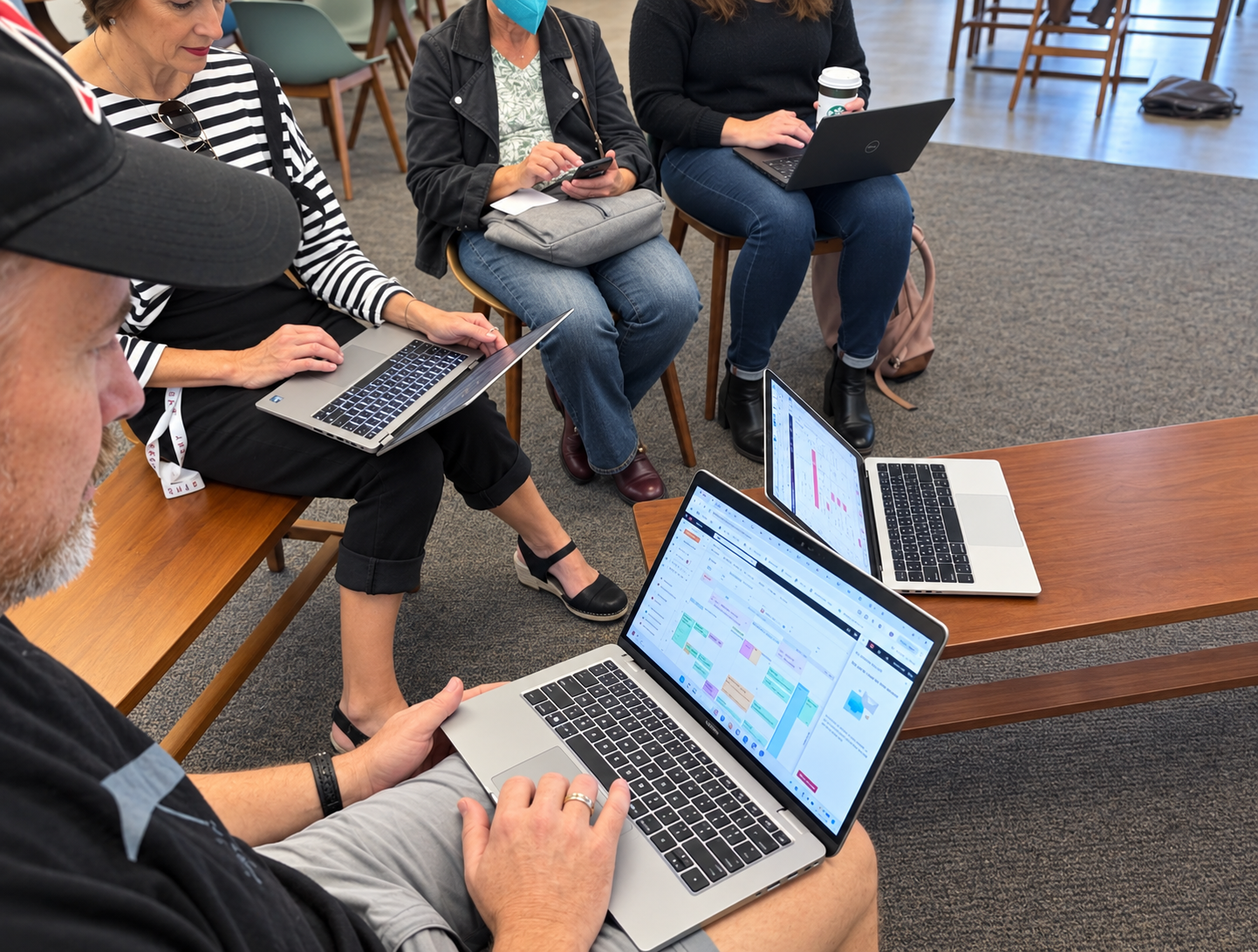
During cross-functional collaboration, we utilized Miro and Agile frameworks to facilitate structured feedback and rapid iteration.
As a result of our collaboration, we initiated the concept of a Community of Practice (CoP), designed to support students, faculty, and staff in sharing experiences and feedback on their daily tech routines. The goal is to encourage participants to actively engage with technology by expanding their Zone of Proximal Development (ZPD) through in-person training, train-the-trainer programs, and online collaborative sessions. (Vigotsky, 1920)This CoP gathers weekly for quick sessions, allowing participants to practice, discuss challenges, and exchange ideas about using MS apps and AI on demand.

Scaffold
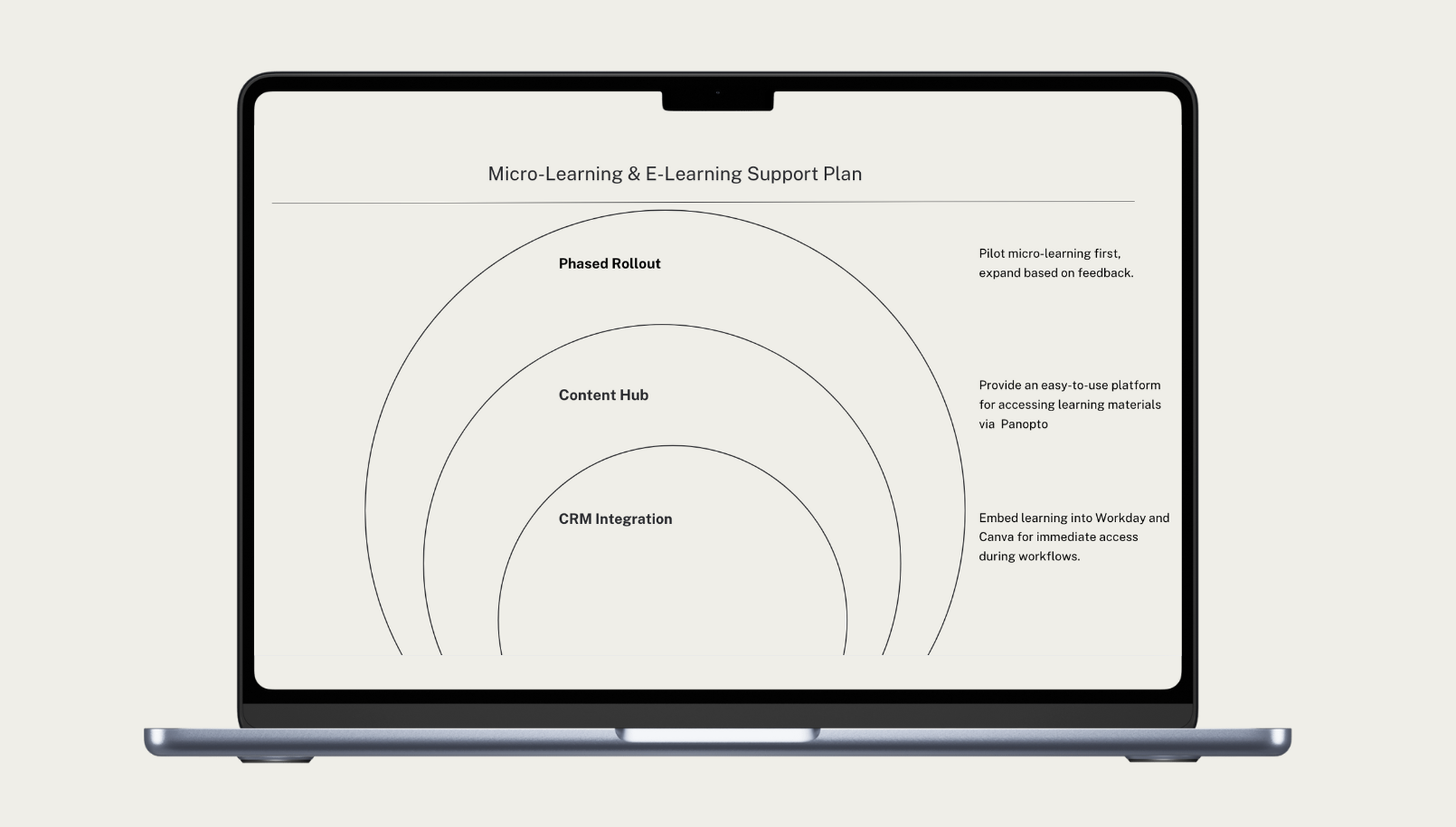
Based on the outcomes of cross-functional collaboration, we selected a flipped classroom model to organize instructional support. Each session includes a comprehensive learning package with:
Training Slides for easy reference
Micro-learning Videos for on-demand viewing
Facilitator Guide to support effective instruction
Practical Handouts for hands-on learning
1:1 Support Guidelines for personalized assistance
E-learning Modules for flexible, self-paced study and communication
These resources equip participants with practical skills and foster a supportive network, even in the absence of in-person interaction before or after the sessions.
Launch
I scheduled and facilitated seven in-person sessions across three campuses and three global online sessions, followed by 1:1 consultations with participants throughout one academic term. These sessions sparked engaging discussions and led to valuable integrations, enhancing the overall learning experience.

Monitor & Hypercare
Engagement:
The program successfully engaged numerous administrative staff and faculty members, encouraging active participation and involvement.
Behavioral Change:
Consultations for the training team increased, and traffic to the webpage grew by 30% over the last two months. Participants began referring others to the webpage to schedule consultations.
Feedback Loop:
I gathered valuable insights from participants regarding their use of applications and how they receive information, helping to refine and improve the learning experience.
Iterate
Agile Approach:
Regularly update and refine the CoP content, tools, and training techniques to align with workflow and new software roll outs.
